Getting paid and payout timing
Where the money sits between the sale and your bank account, what is taken out, and exactly when it moves.
8 min readChecked against the live platform on 26 July 2026
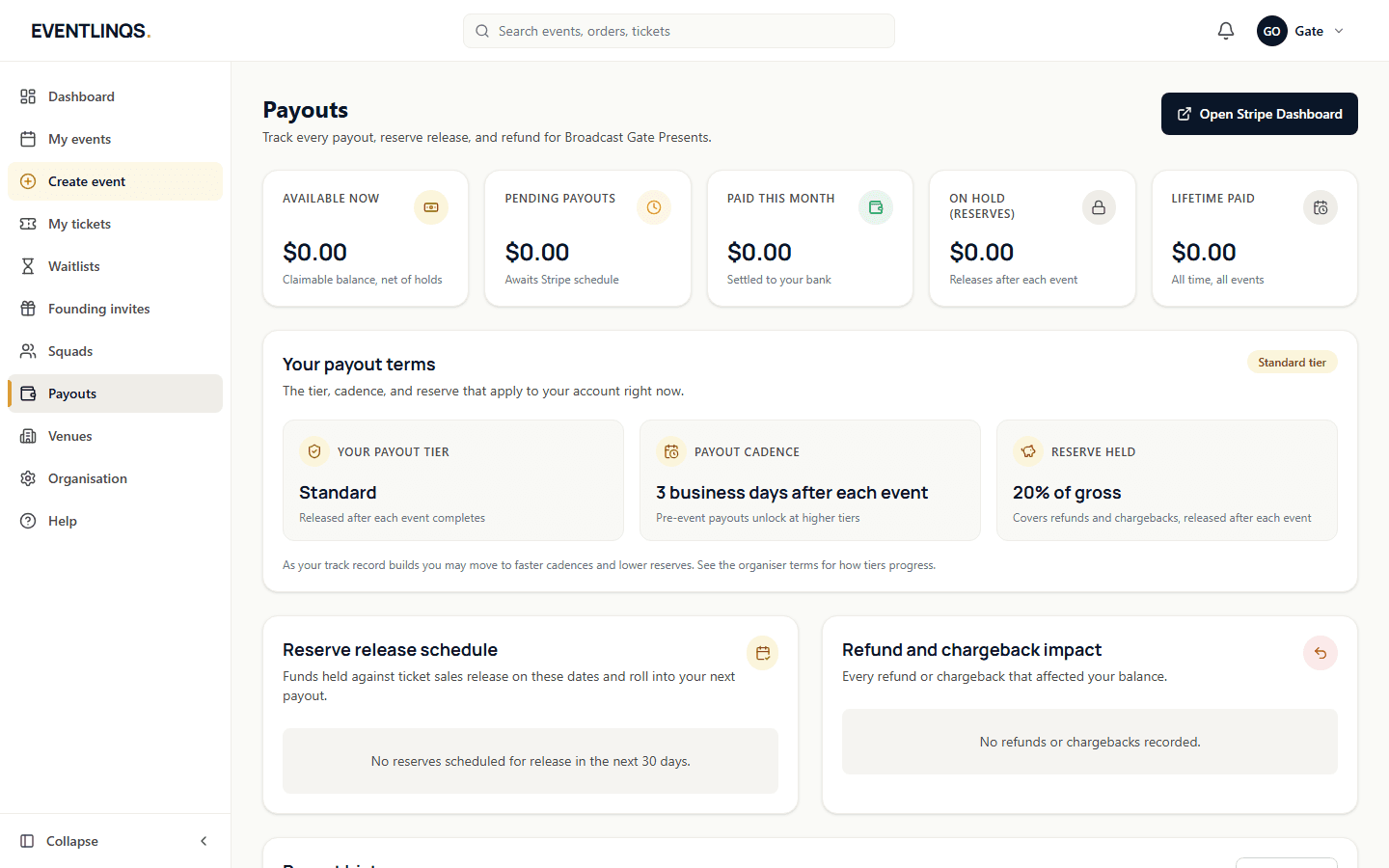
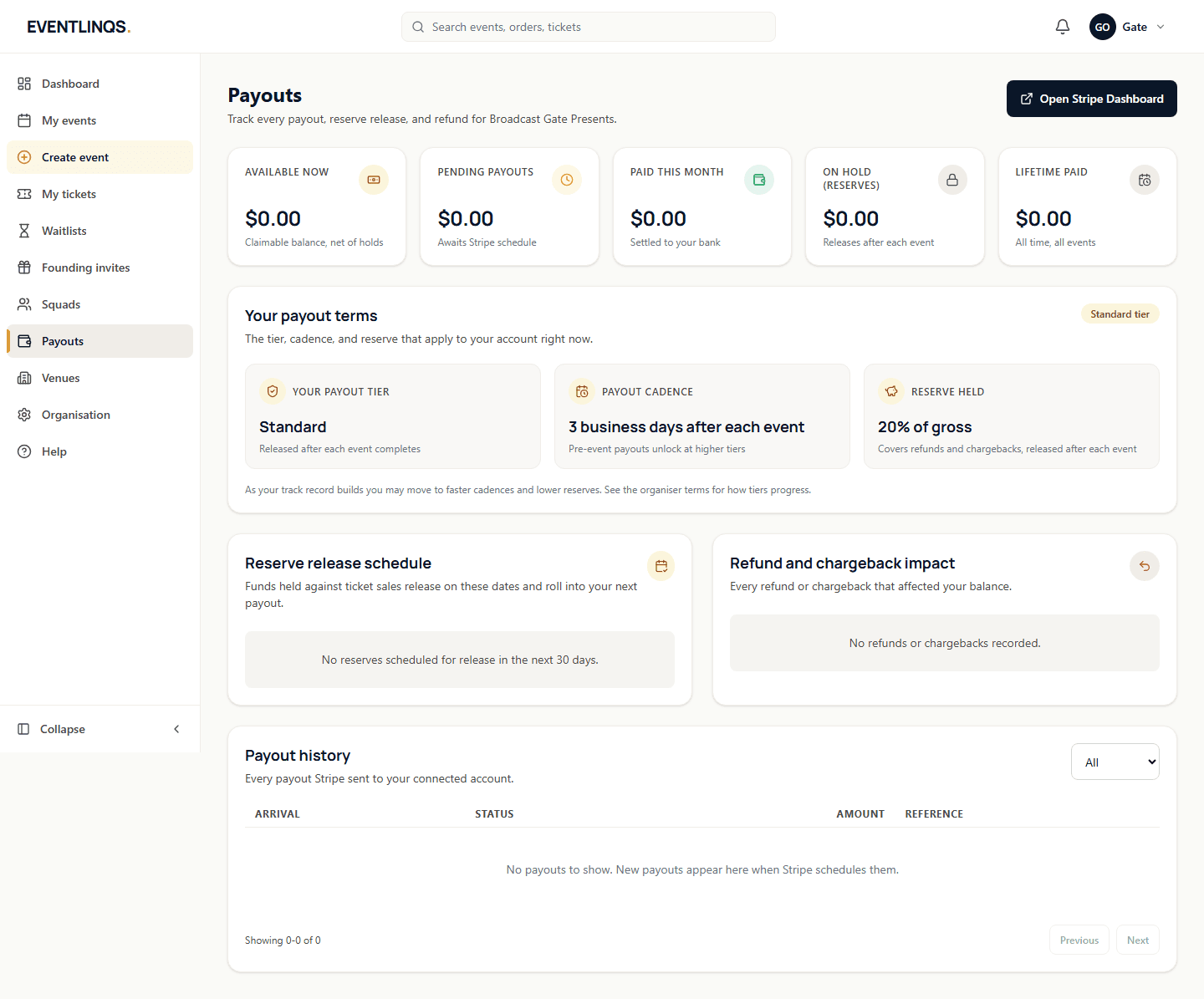
Here is the whole model in one paragraph. When someone buys a ticket, the money is collected and held, not sent straight to you. After your event has finished and a short settling window has passed, the amount owed to you is transferred to your connected payout account, and from there it lands in your bank on your own bank schedule. Holding the funds is what lets a refund actually work without chasing you for money back.
Connect your payout account once
Open Payouts from the dashboard. You will be taken through the Stripe identity check: your business or sole trader details, and the bank account the money should reach. It is the same verification every legitimate payments provider is legally required to do, and it only happens once for your organisation.
- Free events do not need a connected account. You can publish and run them without ever touching this screen.
- A paid event cannot publish until the account is connected, verified and unrestricted, because otherwise there is nowhere for the money to go.
- If Stripe asks for another document later, the Payouts screen tells you exactly what is outstanding.
What is taken out
One fee applies to each paid ticket, currently 3.5% + AUD 0.99, shown live from the platform pricing engine rather than typed into this page. Card processing is inside that fee: there is no separate processing charge and no second fee. Free tickets carry no fees at all, permanently.
You choose per event whether that fee is passed on to the buyer or absorbed by you. Pass on is the default: the buyer pays the fee on top and you keep the full face value of the ticket. Absorb takes the fee out of your payout instead, so the buyer pays exactly the sticker price. Either way the buyer sees the true all-in total before they reach checkout, which is required in Australia and is a good idea regardless.
When the money moves
While the event is selling
Funds accumulate against your event. Nothing is transferred yet. You can watch the balance build on the Payouts screen.
Your event ends
The clock starts at your event end time, which is the one you set in the event form. This is why a wrong end time delays a payout.
The settling window passes
Your funds are released 3 days after the event ends. That window absorbs late refunds and card disputes so money is not sent out and then clawed back.
The transfer runs
An automatic job runs regularly and moves the released amount to your connected account. It is safe to run repeatedly: once an event is paid, it is not paid twice.
Your bank pays out
From your connected account, the money follows your own bank payout schedule, which typically adds a small number of business days depending on your bank.
Read next
Money and payouts
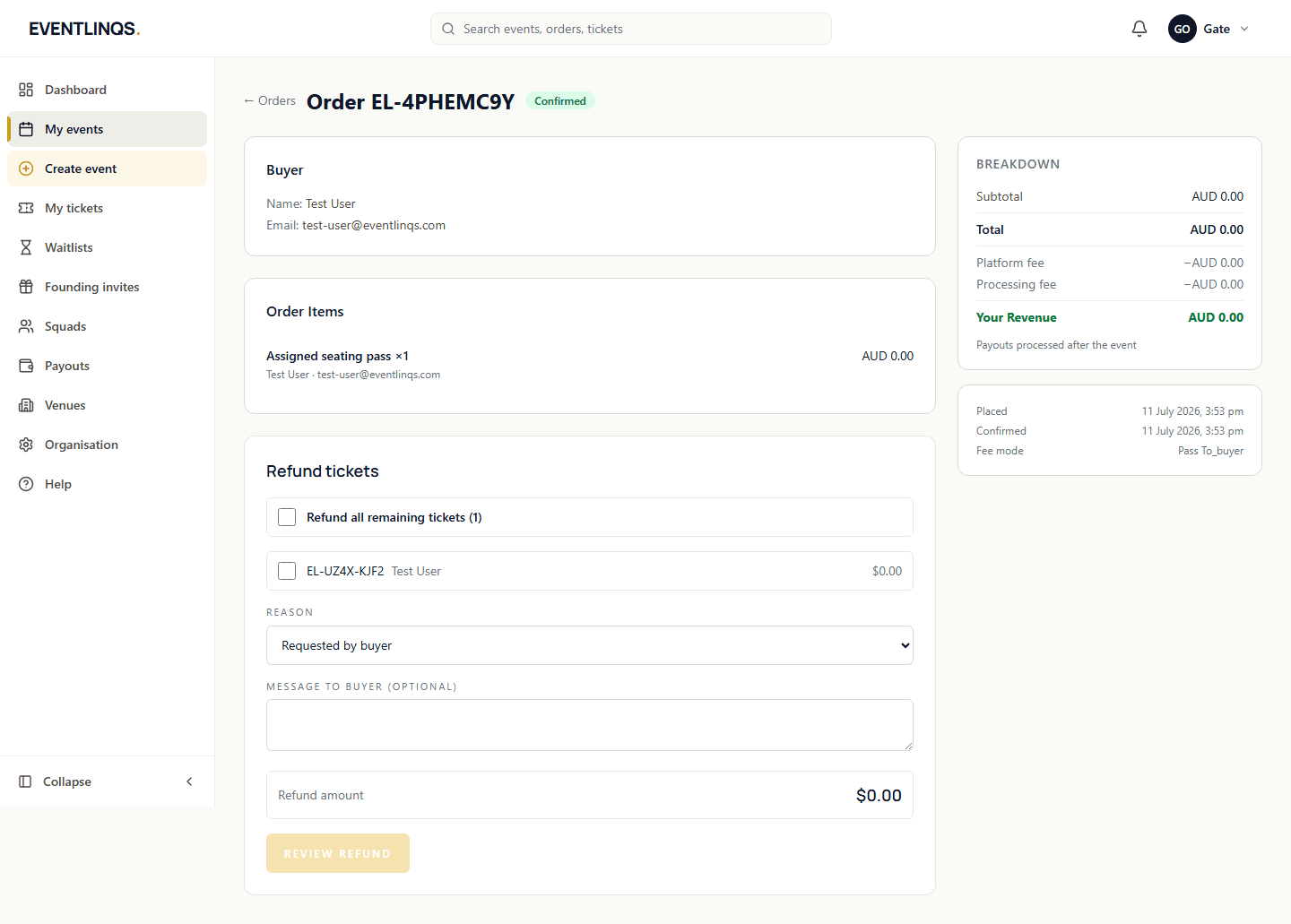
Refunds and transfers
How to refund part or all of an order, what the buyer gets back, and how a guest passes their ticket to someone else without involving you.
7 min read
Set up your event
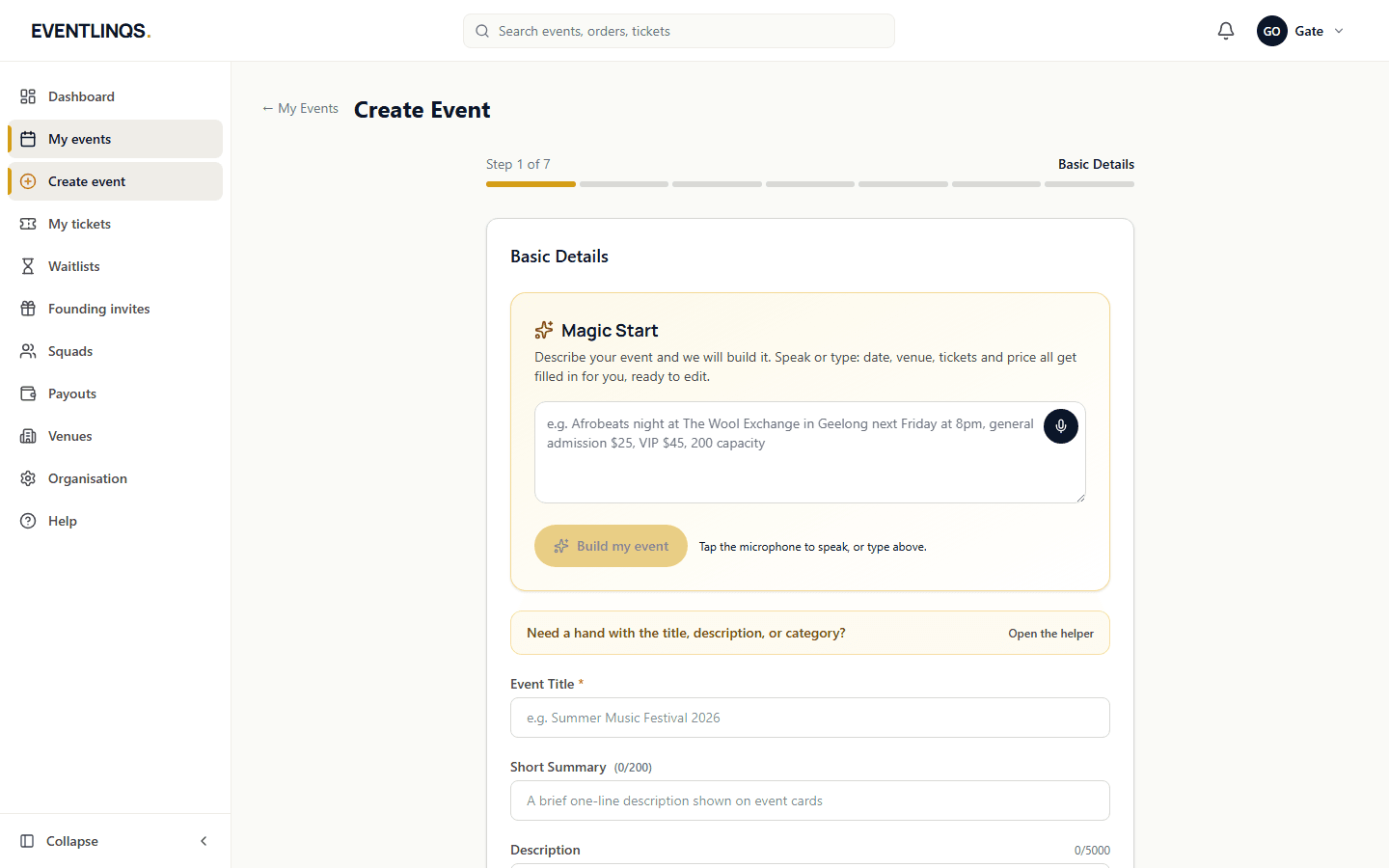
Creating your first event
The seven steps from an empty dashboard to an event page that is ready to publish, and what to get right at each one.
7 min read
Promote and sell
Tracking your reach
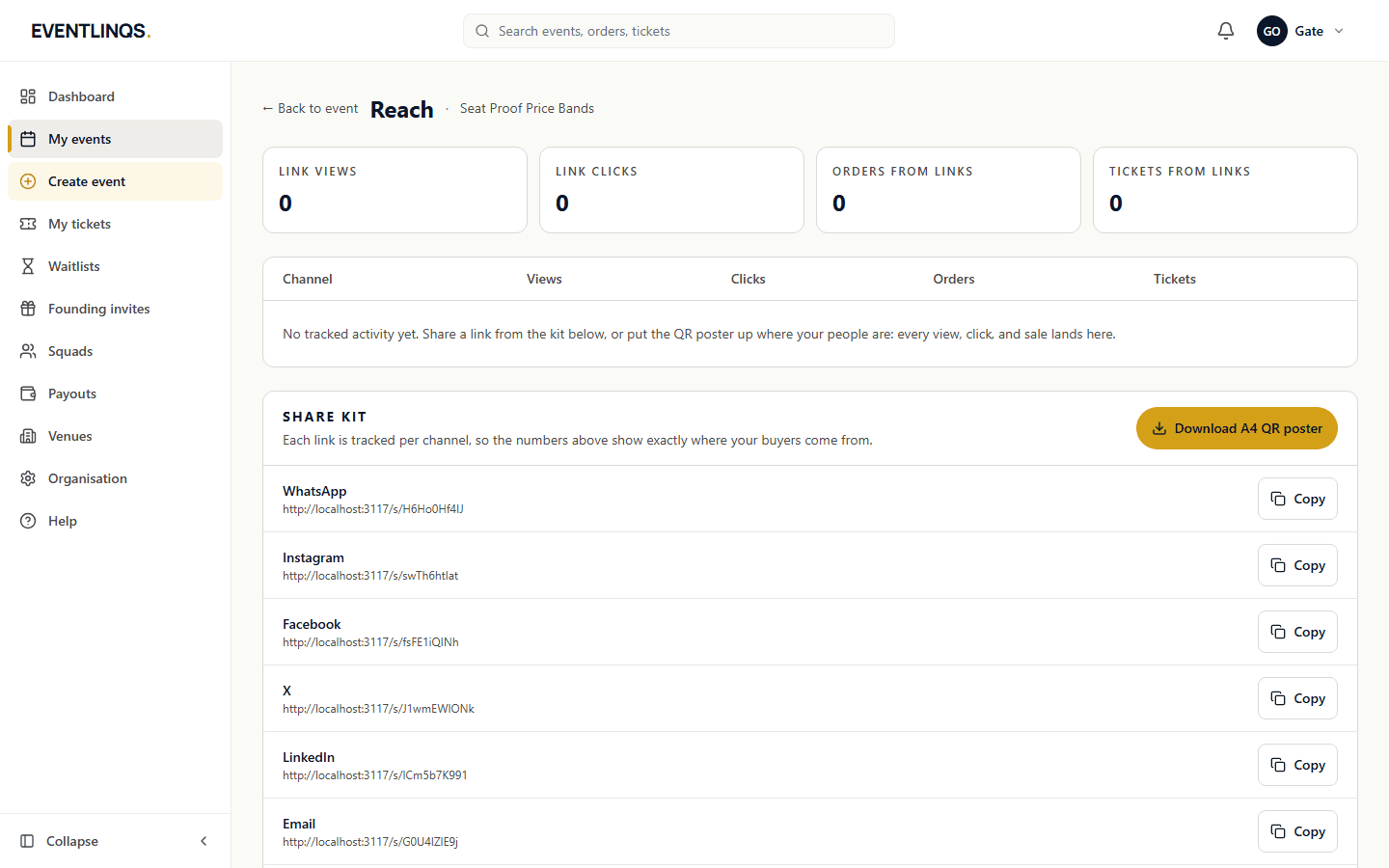
Views, clicks, conversions and tickets, broken down by the channel that produced them, and how to read them without fooling yourself.
6 min read
Does this match what you are seeing?
These guides are checked against the running platform, and every screenshot on this page was taken from it. If a screen has moved since, tell us and we will correct the guide as well as help you.