Refunds and transfers
How to refund part or all of an order, what the buyer gets back, and how a guest passes their ticket to someone else without involving you.
7 min readChecked against the live platform on 26 July 2026
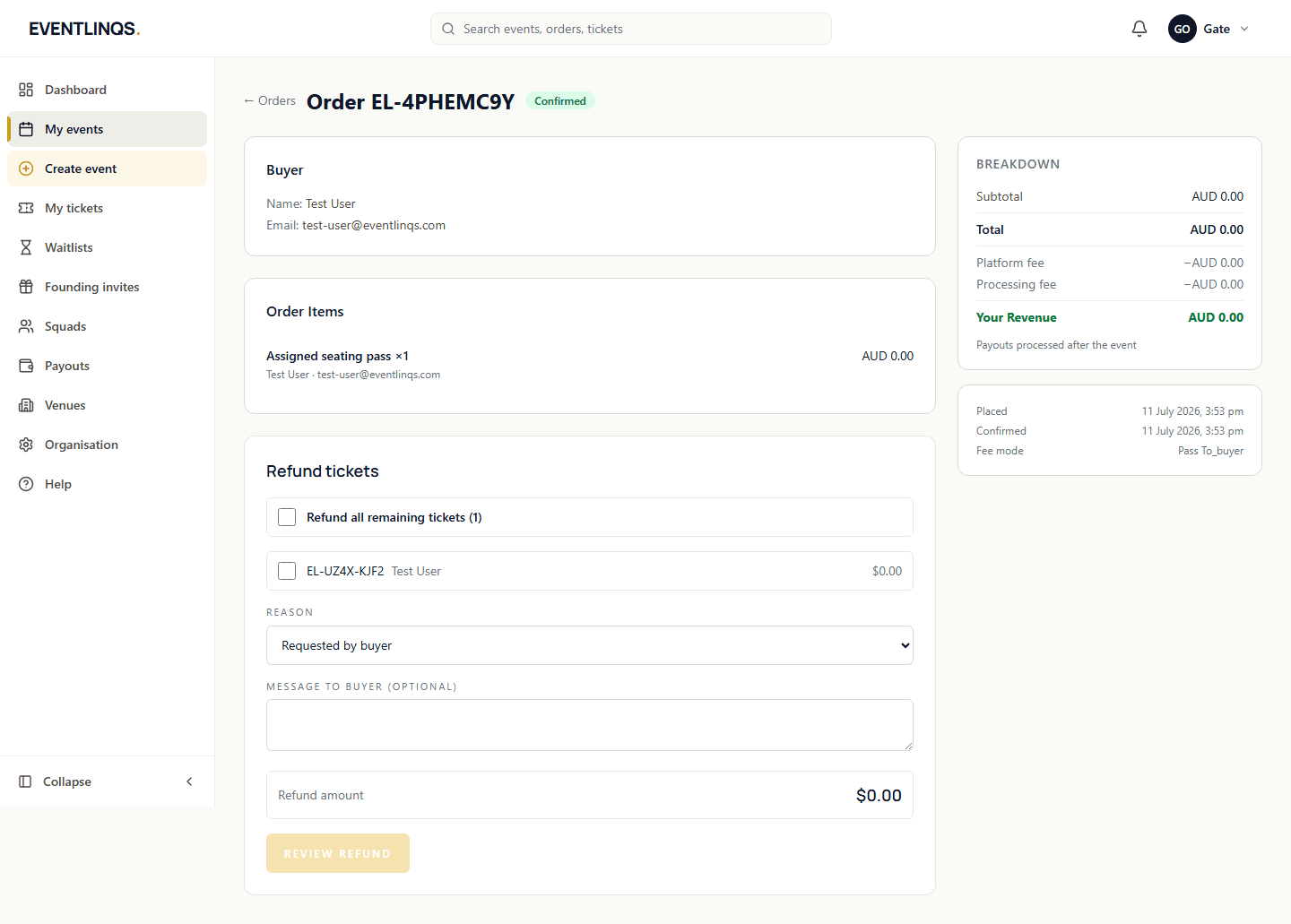
Two different problems get solved on this page. A refund gives money back and destroys the ticket. A transfer keeps the sale and simply changes who is coming. Most of the time a guest who cannot attend wants the second one, and it costs you nothing.
Refunding an order, or part of one
Open the order
From the event dashboard, go to Orders and open the order in question. Everything you need is on that one screen.
Choose the tickets
Refunds are per ticket, not per order. Select only the tickets you are refunding. A group of four who lost one person keeps their other three tickets and their seats.
Pick a reason
Requested by buyer, buyer cannot attend, event cancelled, duplicate purchase, fraudulent, or other. The reason is recorded against the refund, which matters later when you are trying to remember why a night looked odd.
Add a message if it helps
An optional note to the buyer. Two lines explaining what happened prevents most follow-up emails and most card disputes.
Check the preview, then confirm
The dialog shows the exact amount before you commit. Confirm, and the money goes back to the original card.
Transfers: the guest does this themselves
A ticket holder signs in, opens My Tickets, opens the ticket, and chooses Transfer or gift this ticket. They enter the new holder name and email. The new holder receives a fresh ticket with a new QR code, and the original code stops working immediately. You do not need to do anything, and neither does support.
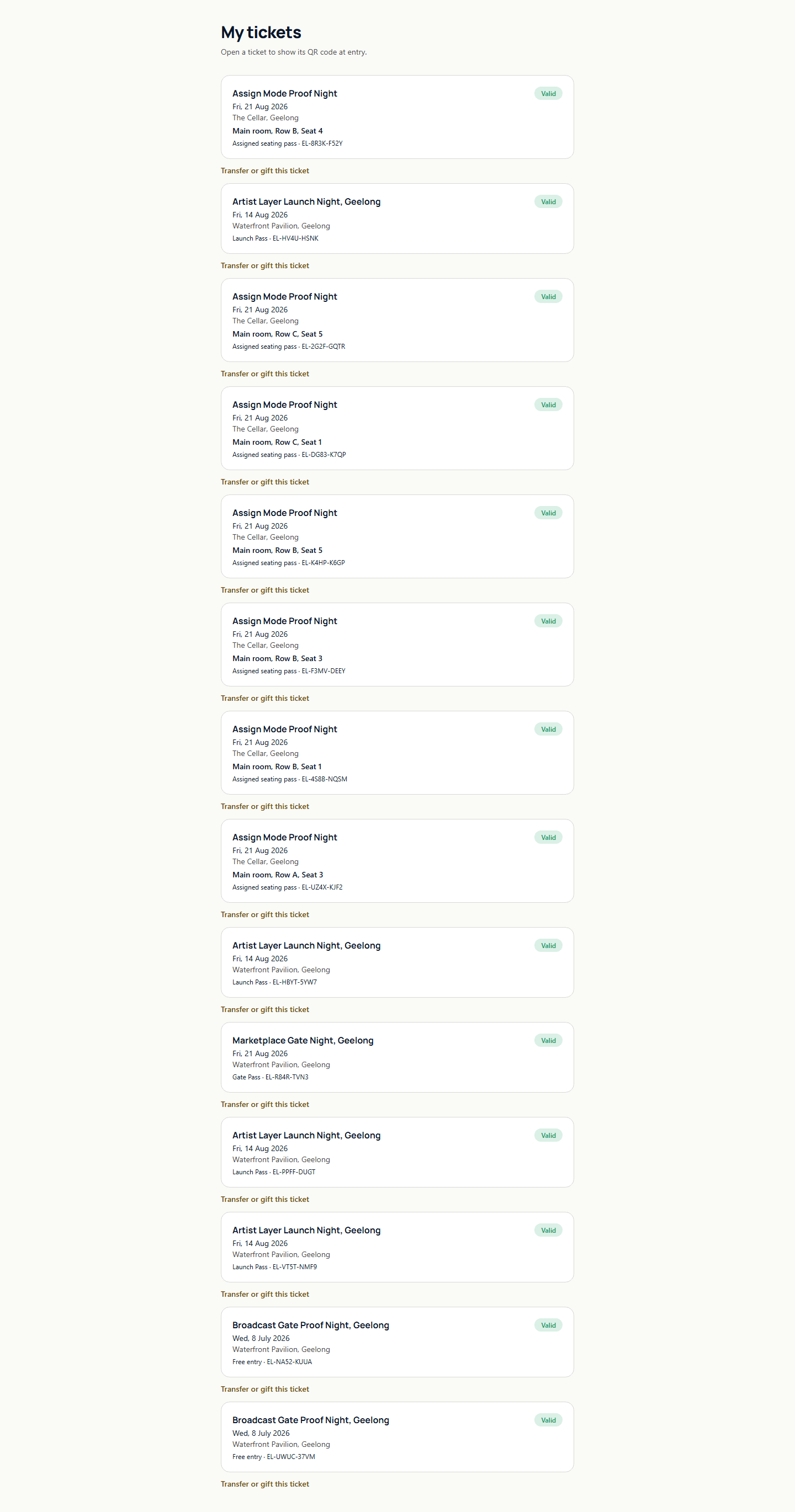
- A ticket that has been used, refunded or already transferred cannot be transferred again, and the form says so plainly.
- For reserved seating the seat travels with the ticket, so the new holder gets the same seat.
- The name on a ticket cannot be edited any other way. Transfer is the supported path, and it is safer, because the old code dies.
When to reach for which
- Guest cannot come and has someone to give it to: transfer. They do it themselves in under a minute.
- Guest cannot come and wants their money back: refund, in line with the policy you published on the event.
- You cancelled the event: refund every ticket, and send a message with the reason so people are not left guessing.
- Someone bought twice by accident: refund the duplicate with the duplicate reason.
- A card dispute has been raised: contact support before refunding, so the same money is not returned twice.
Read next
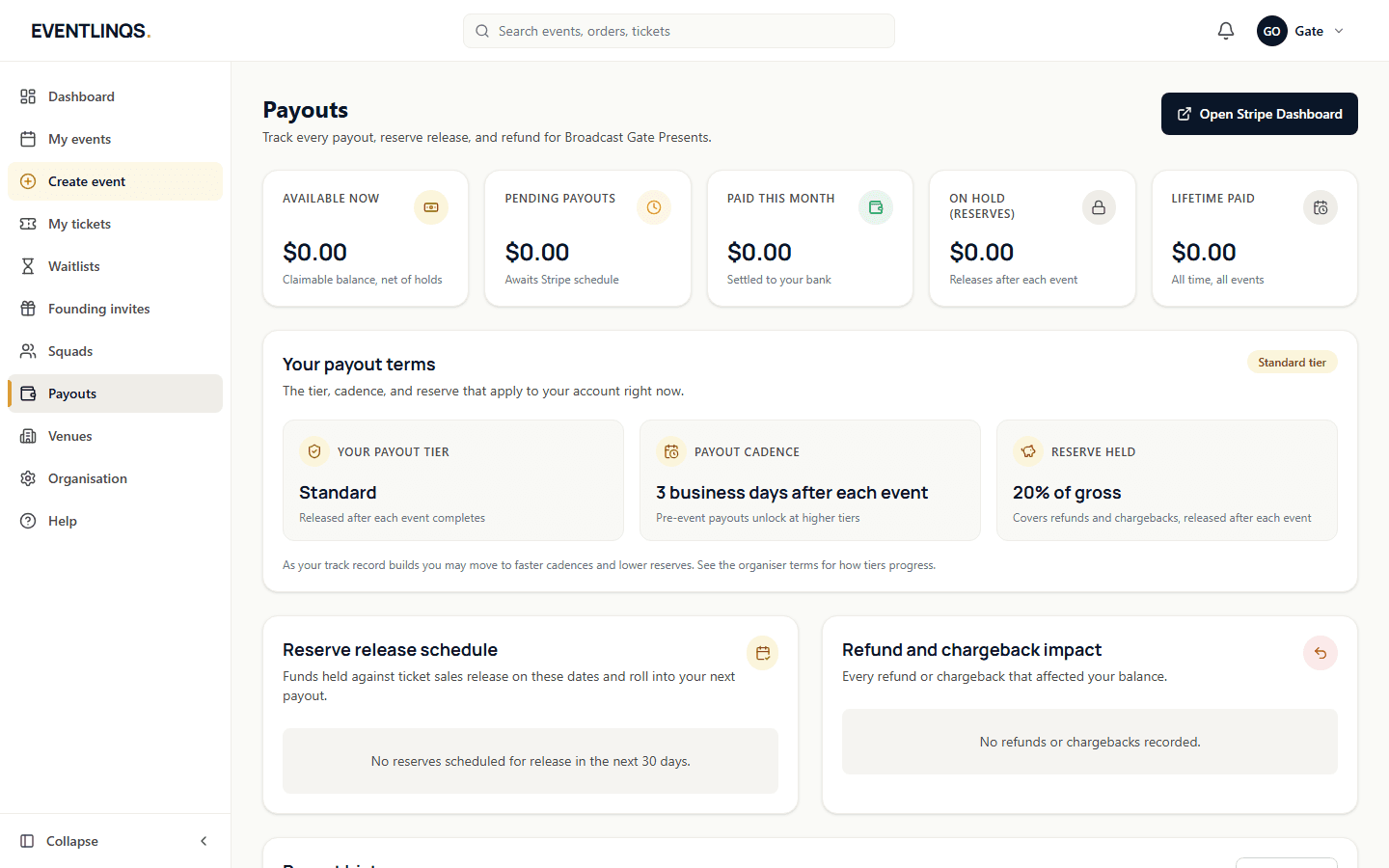
Money and payouts
Getting paid and payout timing
Where the money sits between the sale and your bank account, what is taken out, and exactly when it moves.
8 min read
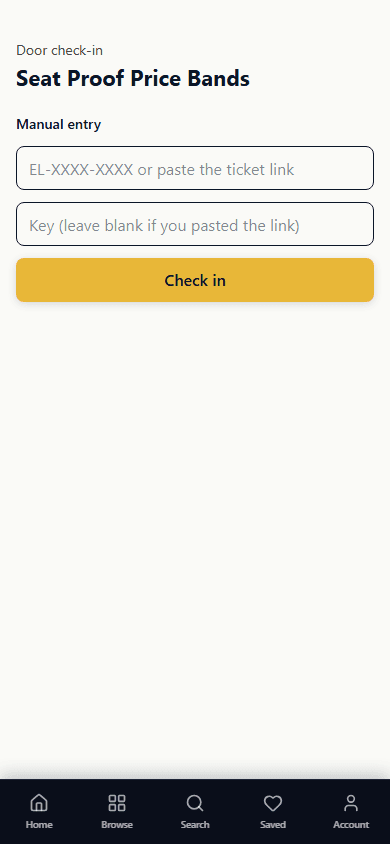
Event day
Running the door with the QR scanner
Set your door team up, scan tickets on any phone, and understand every decision the scanner gives you before the queue is out the door.
7 min read
Set up your event
Creating your first event
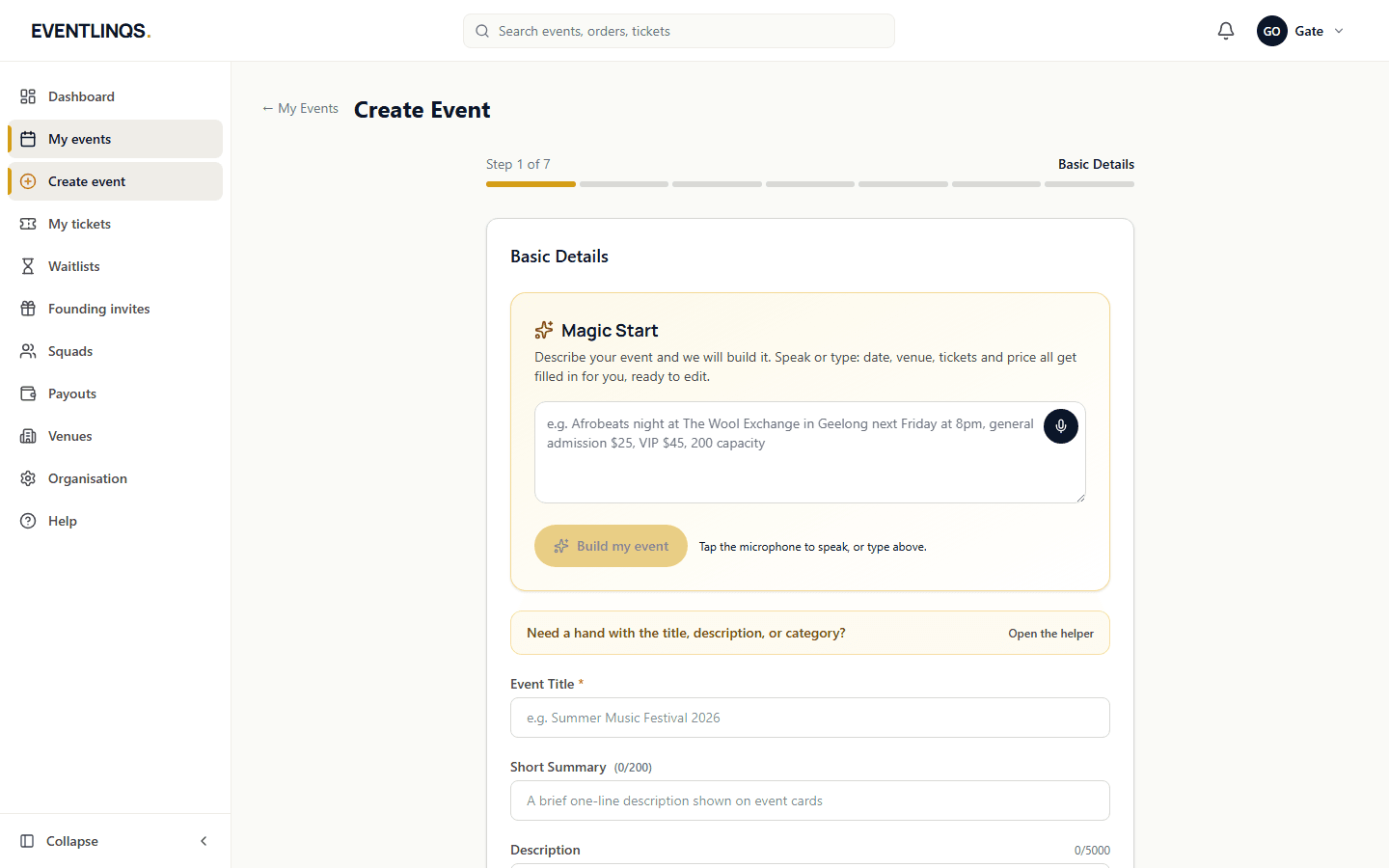
The seven steps from an empty dashboard to an event page that is ready to publish, and what to get right at each one.
7 min read
Does this match what you are seeing?
These guides are checked against the running platform, and every screenshot on this page was taken from it. If a screen has moved since, tell us and we will correct the guide as well as help you.