Publishing and sharing your promo kit
The moment you publish, your event gets a kit: tracked share links for every channel, a printable QR poster and an invitation card that unfurls wherever you paste the link.
6 min readChecked against the live platform on 26 July 2026
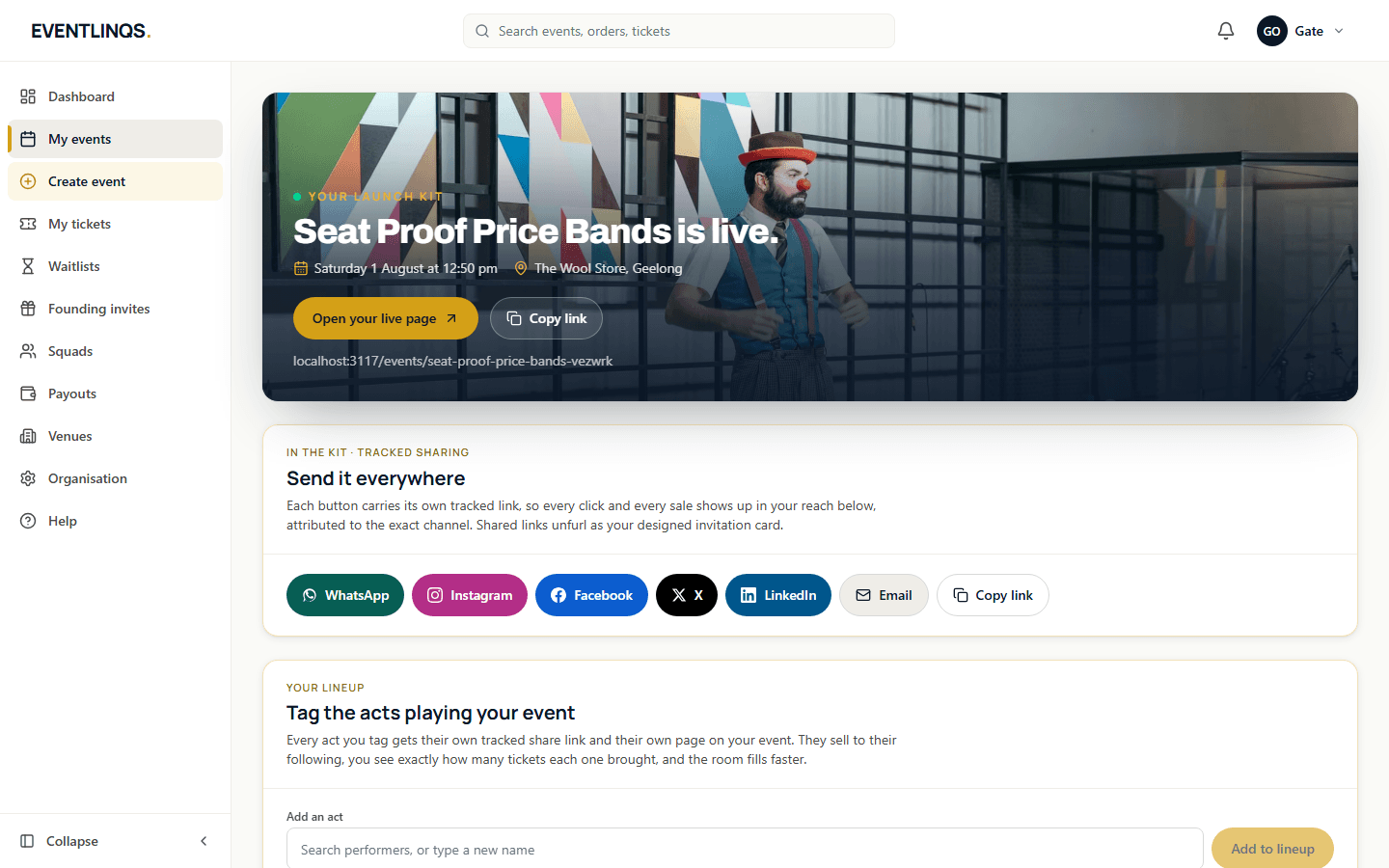
Publishing does two things. It puts your event page live at a clean, shareable address, and it switches on the Launch Kit for that event. The kit is not a marketing brochure about the platform. It is your event, cut into the shapes you actually need to promote it.
Find it from the dashboard: open the event, then Launch Kit. Before you publish, the same screen tells you what will land there, so you know what is coming.
What is in the kit
Send it everywhere
A row of share buttons, one per channel. Each button carries its own tracked link, so a click from a story and a click from a group chat are counted separately. Channels covered include Instagram, Facebook, LinkedIn, X, WhatsApp, Messenger, email, SMS, a copy link, the native device share sheet and a QR link.
Your A4 QR poster
A print-ready poster with your cover image, the event details and a QR code straight to the ticket page. Print it for the venue window, the noticeboard, the counter at the cafe down the road. Scans through the poster QR are attributed like any other channel, so you can finally tell whether posters work for your crowd.
Your invitation card
The preview that appears when your link is pasted anywhere: the cover photo, the title, the date and the venue, composed as a designed card rather than a bare URL. You do not build it. It is generated from the event, which is why the cover image you chose at step four matters so much.
Your seat map, live and selling
For reserved seating events, the kit shows the live room with what is selling and what is left, so you can see the shape of demand without leaving the screen.
Watch it travel
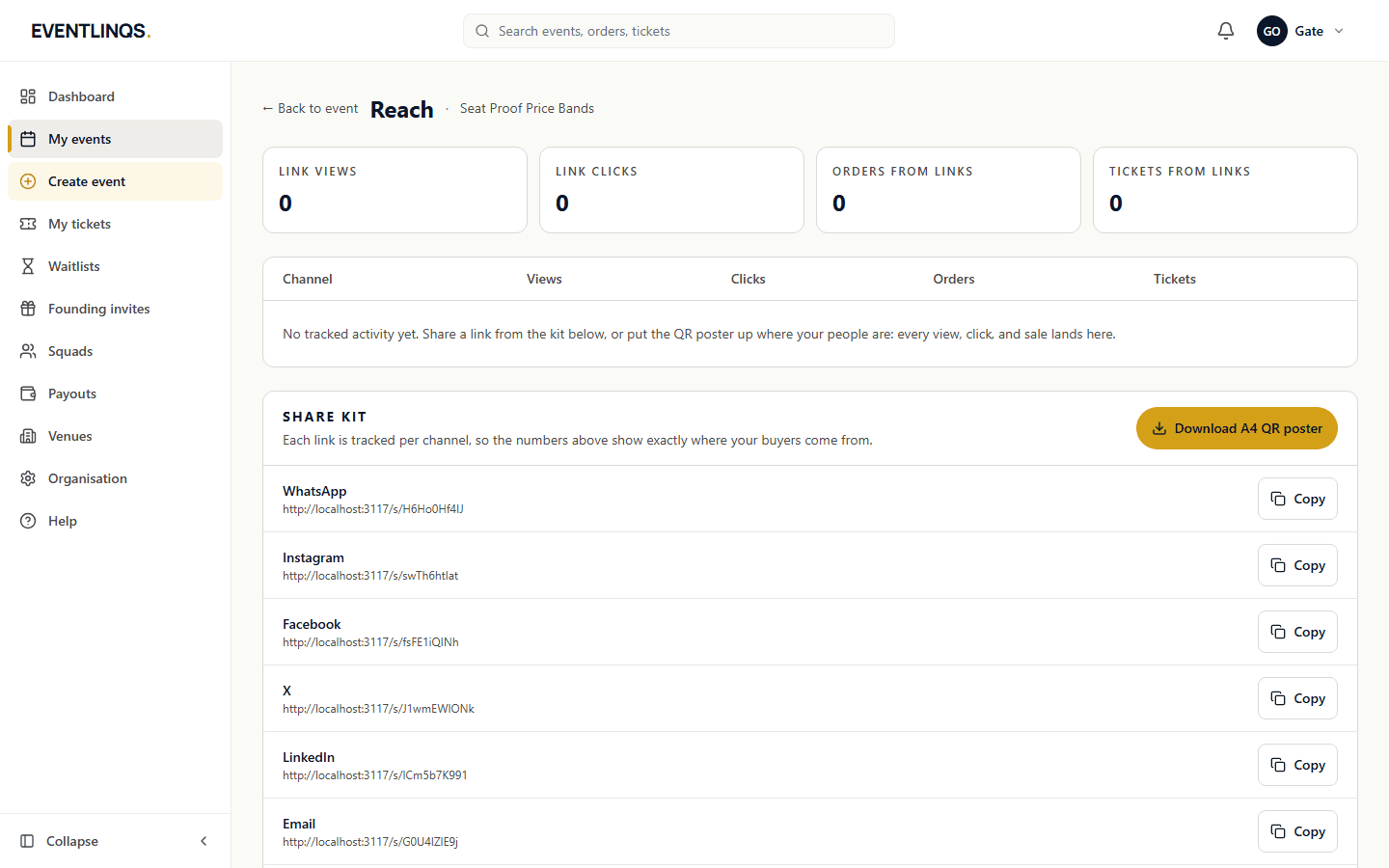
Your reach summary, in the kit, next to the buttons that generated it. Full detail is on the Reach page, which has its own guide.

A sensible first hour after publishing
- Open your own event page on a phone and check the cover, the price and the date read correctly.
- Paste your link into one chat and look at the invitation card that appears. That card is what most people will judge before they click.
- Share to the two channels where your audience actually lives, using the kit buttons.
- Print one poster and put it where your crowd already stands.
- Come back tomorrow and read the reach, not today. One day of numbers tells you nothing.
Read next
Promote and sell
Tracking your reach
Views, clicks, conversions and tickets, broken down by the channel that produced them, and how to read them without fooling yourself.
6 min read
Set up your event
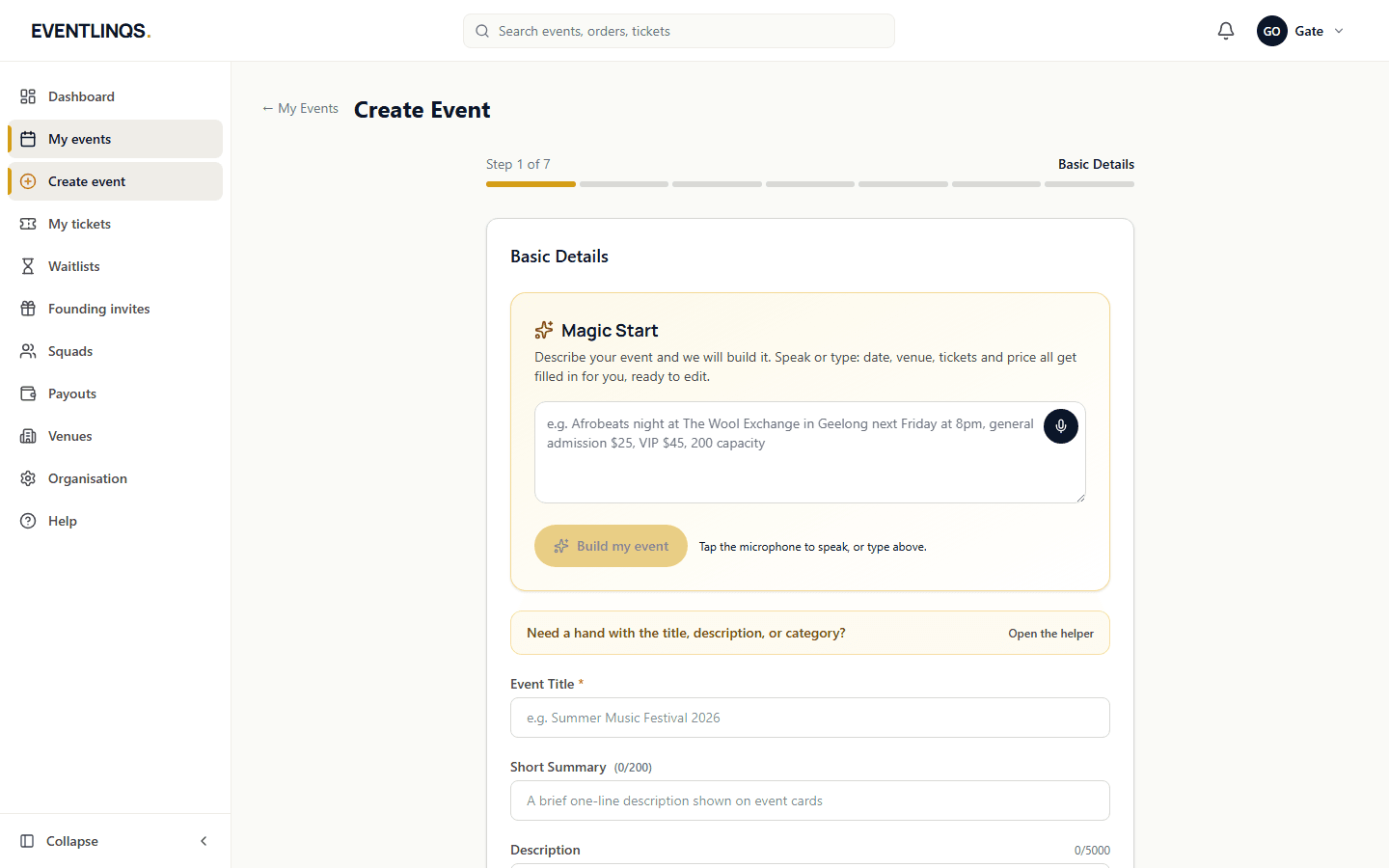
Creating your first event
The seven steps from an empty dashboard to an event page that is ready to publish, and what to get right at each one.
7 min read
Event day
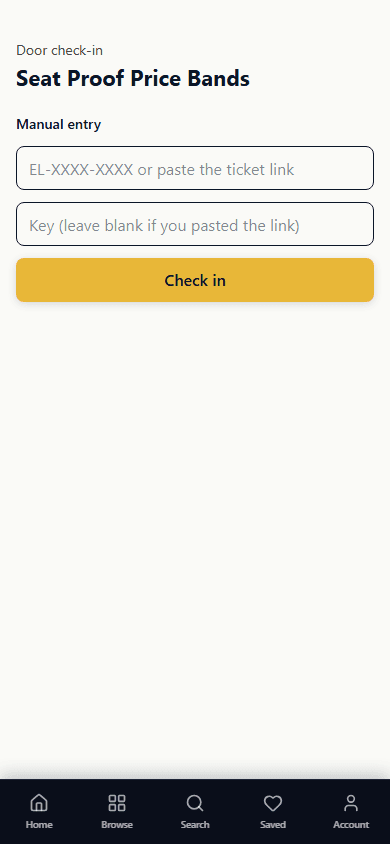
Running the door with the QR scanner
Set your door team up, scan tickets on any phone, and understand every decision the scanner gives you before the queue is out the door.
7 min read
Does this match what you are seeing?
These guides are checked against the running platform, and every screenshot on this page was taken from it. If a screen has moved since, tell us and we will correct the guide as well as help you.